Introduction
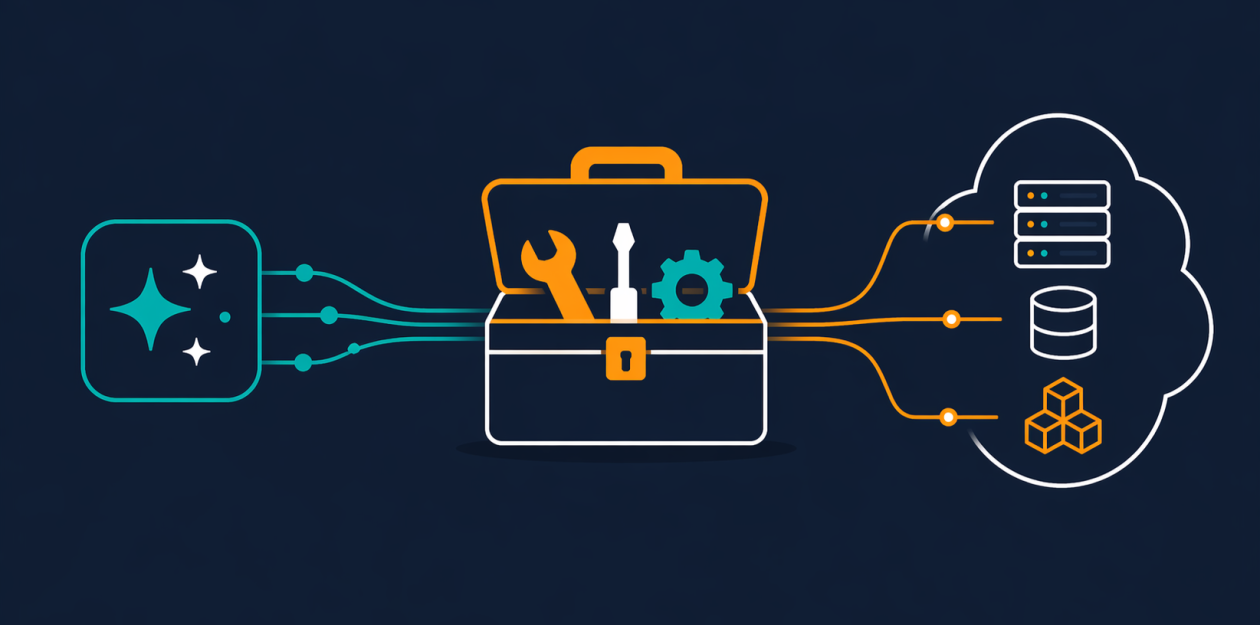
If you've been building with AI agents, you've likely faced the challenge of giving them real, authenticated access to AWS without compromising security. The AWS MCP Server—now generally available as part of the Agent Toolkit for AWS—solves this by offering a managed remote Model Context Protocol (MCP) server. It provides AI coding agents with a controlled set of tools to execute AWS API operations, fetch up-to-date documentation, and run sandboxed scripts, all while respecting your existing IAM permissions. This guide walks you through setting up and using the AWS MCP Server effectively.
What You Need
- An active AWS account with appropriate IAM permissions
- An AI agent or coding assistant that supports the Model Context Protocol (e.g., Claude, Cursor, or other MCP-compatible tools)
- Access to the Agent Toolkit for AWS (available through the AWS Management Console or CLI)
- Basic familiarity with IAM roles and policies
- Python knowledge for using the
run_scripttool (optional but useful)
Step-by-Step Guide
Step 1: Prepare Your Environment
Before connecting your AI agent, ensure your AWS credentials are properly configured. The AWS MCP Server uses your existing IAM credentials to authenticate all API calls. Create an IAM role or user with the minimal permissions you want the agent to have. Because the server supports IAM context keys, you no longer need a separate IAM permission just to use the server; you can express fine-grained access directly in a standard IAM policy.
Step 2: Connect Your Agent to the AWS MCP Server
Most MCP-compatible agents allow you to add external MCP servers as tools. Follow your agent's documentation to configure a new MCP server endpoint. The endpoint for the AWS MCP Server is provided within the Agent Toolkit. Once configured, your agent will have access to a small, fixed set of tools that do not consume your model's context window—keeping token usage efficient.
Step 3: Use the call_aws Tool
The core tool is call_aws, which can execute any of the 15,000+ AWS API operations using your credentials. For example, you can instruct your agent to list S3 buckets or describe EC2 instances. The agent will automatically call the appropriate API with the parameters you specify. Because the server uses your IAM role, all standard policies and conditions apply. New AWS APIs are supported within days of launch.
Step 4: Retrieve Current Documentation
AI agents often rely on outdated training data. The search_documentation and read_documentation tools let your agent fetch the latest AWS docs and best practices in real time. This ensures the agent uses accurate, current information when building infrastructure or writing policies. Documentation retrieval does not require authentication, so your agent can search even without AWS credentials configured.
Step 5: Employ the run_script Tool for Complex Tasks
When your agent needs to chain multiple API calls, filter results, or perform computations, use the run_script tool. It allows the agent to write a short Python script that runs server-side in a sandboxed environment. The sandbox inherits your IAM permissions but has no network access, so your local file system and shell remain secure. The script executes in a single round-trip, which is faster and more context-efficient than making many separate API calls.

Step 6: Explore Skills for Guided Best Practices
The Agent Toolkit now includes Skills (formerly Agent SOPs). Skills provide curated guidance and best practices for common tasks like provisioning infrastructure, managing IAM policies, or deploying applications. When your agent uses a Skill, it follows a proven workflow, reducing errors and improving production readiness. Skills are regularly updated to reflect AWS changes.
Step 7: Test and Iterate
Start with simple requests to verify your agent can access AWS services. For example, ask it to list your S3 buckets or describe a specific resource. Then gradually move to more complex tasks like creating a CloudFormation stack or analyzing logs. Monitor the token usage—the AWS MCP Server has been optimized to reduce tokens per interaction, which is critical for lengthy, multi-step workflows.
Tips for Success
- Start with read-only permissions. Give the agent minimal access initially, then expand as needed. IAM context keys let you enforce tight controls without extra server-level permissions.
- Leverage the documentation tools early. Even if you know the API well, let the agent fetch docs to ensure it uses the latest service capabilities like Amazon S3 Vectors or Aurora DSQL.
- Use
run_scriptfor data processing. Avoid multiple round trips by writing a script that combines API calls and filters results. The sandbox ensures safety. - Keep your agent and the Agent Toolkit updated. The AWS MCP Server evolves rapidly; check for new Skills and tool improvements.
- Review the agent's output. While the server enforces IAM policies, always validate the infrastructure the agent produces—especially IAM policies, as agents can still create overly broad policies if not guided.
- Use Skills for common patterns. Skills encapsulate best practices from AWS experts, helping your agent produce production-ready code faster.
By following these steps, you can give your AI agent secure, authenticated access to AWS and unlock efficient, up-to-date cloud operations. The AWS MCP Server bridges the gap between agent capabilities and real-world cloud infrastructure needs.