Introduction
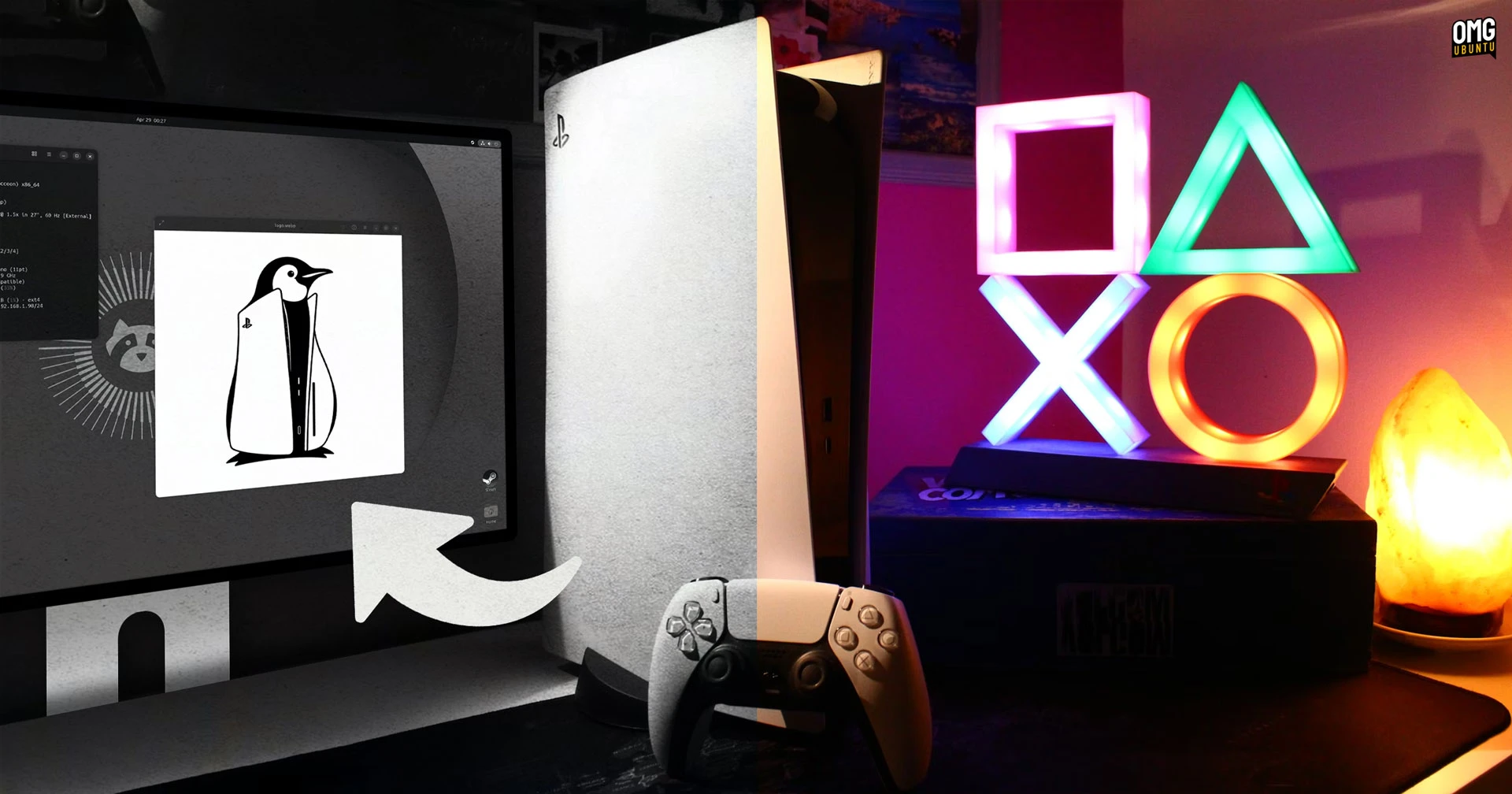
Imagine running Ubuntu and playing Steam games directly on your PlayStation 5. Thanks to a groundbreaking project by security engineer Andy Nguyen, this is now possible—but only if your PS5 is running firmware version 3.xx or 4.xx. The ps5-linux-boot project exploits a patched hypervisor vulnerability to grant Linux direct access to the PS5’s powerful hardware, including eight Zen 2 CPU cores and 16 threads. This unofficial hack transforms your console into a fully functional Linux PC gaming device. In this guide, we’ll walk you through the entire process, from checking your firmware to booting Ubuntu and launching Steam.

What You Need
- A PlayStation 5 (Phat model) with firmware version 3.xx or 4.xx
- A USB flash drive (at least 16 GB) formatted as FAT32
- A computer with internet access to download the necessary files
- The ps5-linux-boot project files from the official repository
- A compatible Ubuntu ISO (desktop version recommended)
- Basic familiarity with command-line tools and file management
- Patience and a willingness to experiment—this is an unofficial hack
Step-by-Step Instructions
Step 1: Verify Your PS5 Firmware Version
Before anything else, ensure your console is running a compatible firmware. Go to Settings > System > System Software > Console Information. If your firmware is 3.xx or 4.xx, you’re good to proceed. If it’s higher, this exploit will not work, and you may need to consider other options (not covered here).
Step 2: Download the ps5-linux-boot Project
On your computer, visit the official GitHub repository for ps5-linux-boot by Andy Nguyen. Download the latest release ZIP file. Extract its contents to a folder on your desktop. Inside, you’ll find scripts, a kernel image, and boot files needed to launch Ubuntu.
Step 3: Prepare the USB Drive
Insert your USB flash drive into your computer. Format it as FAT32 (exFAT may not work). Copy the entire contents of the extracted ps5-linux-boot folder to the root of the USB drive. Then, also copy the Ubuntu ISO file (rename it to ubuntu.iso for simplicity). Ensure the drive is safely ejected.
Step 4: Enter PS5 Recovery Mode
With the PS5 completely powered off, insert the USB drive into one of the front USB ports. Press and hold the power button until you hear two beeps (about 7 seconds). The console will boot into Safe Mode. Navigate to Rebuild Database or Update System Software (the exact option depends on your firmware version). Do not perform a standard update—instead, choose the option to install from USB media if prompted.
Step 5: Boot Linux from USB
Once the console detects the USB drive, it will load the ps5-linux-boot payload. Follow on-screen prompts (if any) to select Boot from USB. The system will now load the Linux kernel. This process may take several minutes. When successful, you’ll see a GRUB menu or a direct boot into a live Ubuntu desktop environment.
Step 6: Install Ubuntu to PS5 Internal Storage
From the live USB session, you can install Ubuntu permanently onto the PS5’s internal SSD. Launch the installer from the desktop. Choose Erase disk and install Ubuntu (this will wipe your PS5’s game data, so back up any saves via cloud or external drive). Follow the standard installation prompts. The PS5 hardware (CPU, GPU, RAM) will be automatically recognized by the Ubuntu kernel.
Step 7: Install Steam and Play Games
After rebooting into your new Ubuntu installation, open a terminal and run:
sudo apt update && sudo apt install steam-installerLaunch Steam from the applications menu, log in with your account, and download games. Thanks to the direct hardware access, performance is surprisingly good for many titles. Note that not all games are optimized for this setup—expect some trial and error.
Tips and Conclusion
- Keep your PS5 offline to avoid unwanted firmware updates that could patch the exploit.
- Dual-boot carefully: Installing Ubuntu will replace the PS5’s operating system. Consider using an external USB drive for a non-destructive live environment instead.
- Back up your data: Before proceeding, back up any important PS5 game saves or settings to the cloud or a separate drive.
- Join the community: The ps5-linux-boot project has an active Discord and GitHub issue tracker—use them for troubleshooting.
- Expect imperfections: This is a proof-of-concept hack. Audio, Bluetooth, or certain GPU features may not work perfectly.
With these steps, you can transform your PS5 into a versatile Linux gaming machine. While it’s not for the faint of heart, those with older firmware can unlock a world of PC gaming possibilities right from their console. Happy modding!